Blog 2 min read
Sound.me Campaign Emails but No Campaigns in the App? Here’s Why and How to Fix It
Received Sound.me campaign emails but can't see them in the app? Learn why this happens and how to access campaigns to boost your music marketing.
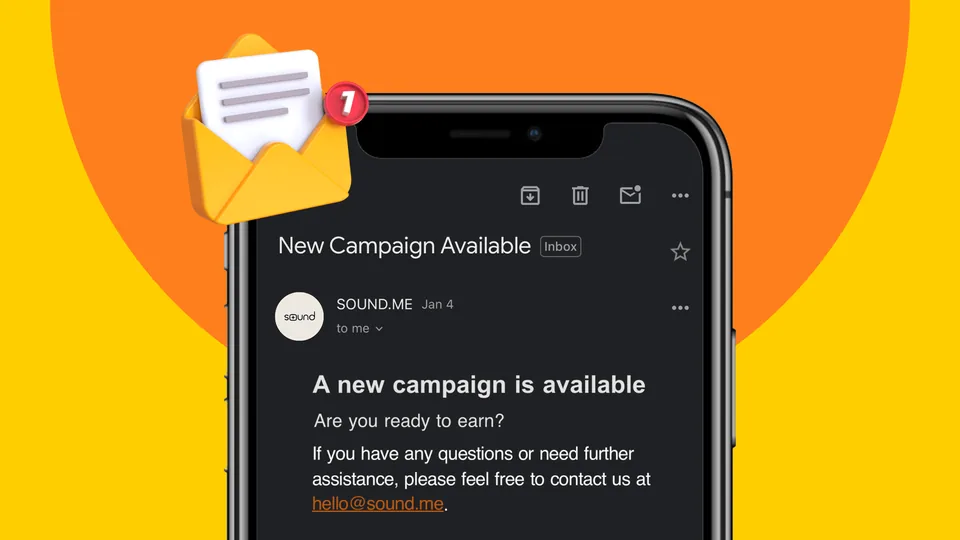
If you’ve ever received a campaign email from Sound.me, only to find nothing available when you check the app, you’re not alone. This is a common question, and the answer lies in how campaigns are structured on the platform. Here’s what’s happening and how you can avoid missing out in the future.
Why Does This Happen?
Sound.me campaigns operate on a first come, first served basis. When a campaign goes live, it’s immediately available to eligible creators. However, due to the platform’s popularity and the high demand for campaigns, slots can fill up incredibly quickly—sometimes within minutes.
By the time you open the app, the campaign may already be full, which is why it appears as if there’s nothing there.
What Should You Do?
Here are some tips to ensure you don’t miss out on future campaigns:
1. Act Immediately: When you receive a campaign email, don’t wait—click the link and act right away. Even a few minutes of delay can mean missing the opportunity.
2. Enable Notifications: Turn on app and email notifications for Sound.me to get alerted the moment a campaign is live.
3. Stay Ready: Regularly check your app, especially during peak times when new campaigns are likely to go live.
Pro Tip: Timing is Everything
The key to securing campaigns on Sound.me is staying quick and consistent. Make it a habit to respond to emails and notifications immediately, and keep your app updated to avoid technical delays.
Final Thoughts
While it’s frustrating to miss out on campaigns, understanding how the process works can help you stay ahead. Campaigns fill up fast because they’re in high demand, but with quick action and a little preparation, you can improve your chances of securing the next one.
Stay proactive and don’t miss out! Keep following Sound.me for more insights and strategies to make the most of your campaigns.
Keep reading: Why was my video declined? · Creator pay by country · Are apps that pay you to post legit?
Keep reading
All posts → How to Get Verified on Sound.me: A Comprehensive GuideWhat the verified badge on Sound.me means, how profiles are checked, and ten tips to get verified.
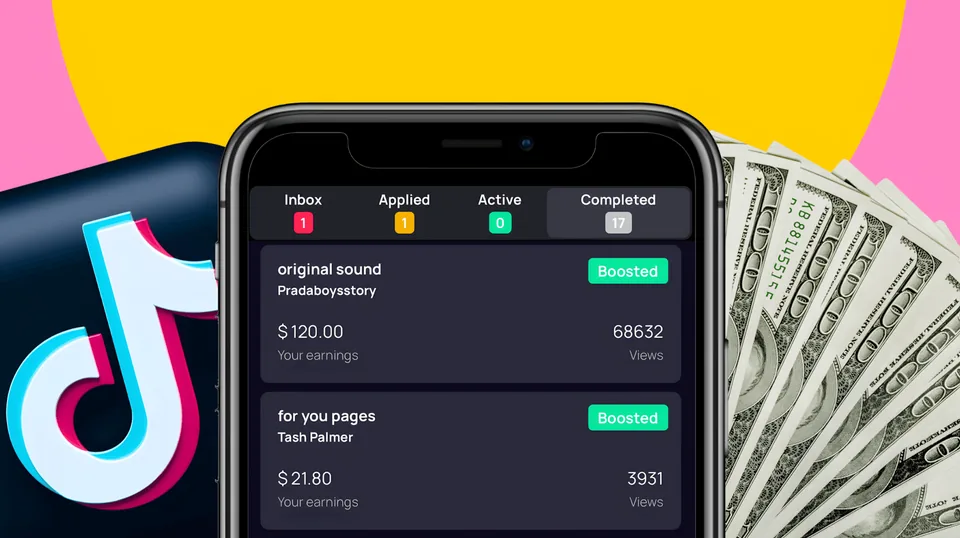 6 Proven Tips to Increase Your Earnings on Sound.meSix ways to get more campaign approvals on Sound.me, from following the directions to keeping location on and VPNs off.
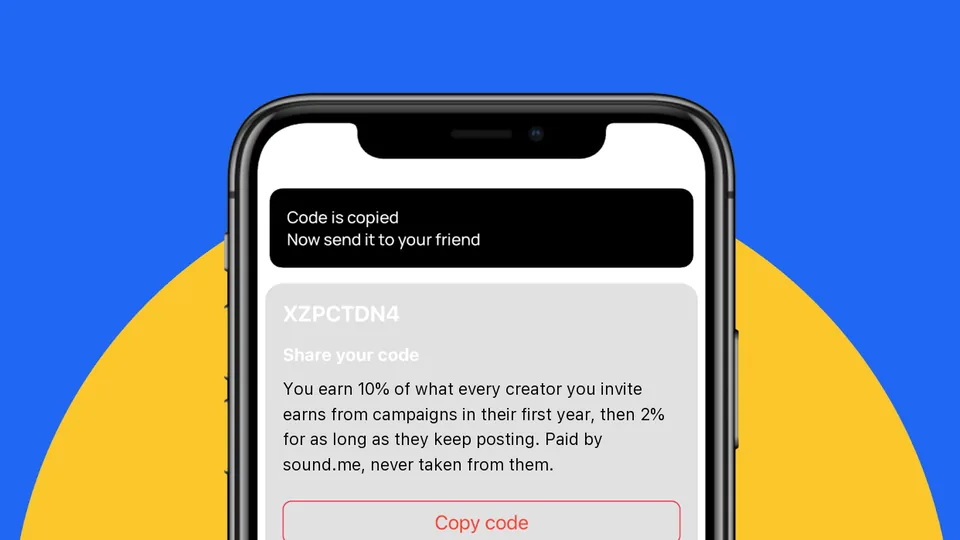 Maximize Your Earnings with Sound.me’s Referral ProgramHow the Sound.me referral program works, where to find your referral code and how to withdraw what you earn.