Blog 2 min read
CapCut Data Use & AI Concerns: Safer Alternatives for Creators
Understand CapCut’s data practices and AI risks. Discover safer alternatives for creators and protect your content while growing on TikTok & YouTube Shorts.
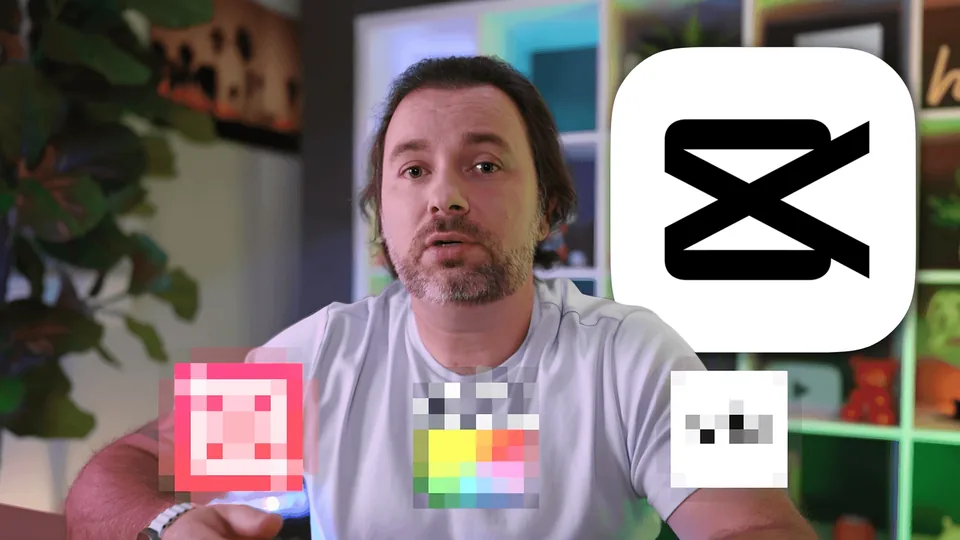
CapCut has become a go-to video editing app for millions of creators. It’s fast, intuitive, and especially great for short-form content. But after their recent terms and conditions update, many creators are questioning whether it’s still the right tool for them.
The new T&Cs grant CapCut (and its parent company, ByteDance) unlimited, irrevocable rights to use your content and likeness, for example, in ads or even AI training models. If that makes you uneasy, you’re not alone.
Luckily, if you don't feel comfortable accepting those Terms, there are plenty of powerful, creator-friendly alternatives you can switch to today.
🔧 Top 4 CapCut Alternatives Worth Trying
1. Adobe Premiere Rush
- Best for: Quick, polished edits with professional reliability
- Free plan available: Limited features, with premium upgrades available via Adobe subscription
- Built-in templates: Motion graphics templates and auto-ducking for quick polish
- User-friendly interface: Fast editing without the complexity of Premiere Pro
- If you're familiar with Adobe tools, Rush offers a streamlined mobile experience.
2. VITA
- Best for: Template-based edits and effects
- User-friendly interface
- Tons of built-in templates, filters, and transitions
- Ideal for stylized, social-ready content
- Great for TikTok or Instagram Reels with minimal effort
3. InShot
- Best for: Animations, slow-mo, and social storytelling
- Built-in music and text tools
- Simple but powerful timeline editing
- Supports aspect ratio changes for different platforms
- Perfect for fast, flashy, and professional-looking videos
4. VN Editor
- Best for: Short-form content with precision editing
- High level of control over cuts and transitions
- Free to use with no watermarks
- Intuitive UI, great for beginners and pros alike
- Lightweight, ad-free, and highly rated by creators
🎥 Pro-Level Options (If You’re Ready to Level Up)
• DaVinci Resolve
- Best for: Professional-grade editing
- Powerful color grading and audio tools
- Steep learning curve, but great for cinematic content
• Final Cut Pro (Mac only)
- Best for: Apple users wanting pro features with simplicity
- Optimized for macOS
- Easier to use than DaVinci, but limited to the Apple ecosystem
• Adobe Premiere Pro
- Best for: Full-featured editing for serious creators
- Highly customizable and industry standard
- Complex, but ideal for professionals and long-term projects
✂️ Should You Leave CapCut?
That depends on your comfort level with their updated terms. While CapCut’s language isn’t unusual (platforms like TikTok and YouTube include similar clauses), the real issue is transparency and trust.
If you’re concerned about your content being reused, referenced, or fed into AI models without your knowledge, switching to one of these alternatives could offer better control over your creative identity.
Keep reading: Why was my video declined? · Creator pay by country · Are apps that pay you to post legit?
Put a sound in front of 3M+ creators
Artists, labels and brands launch a TikTok, Instagram Reels or YouTube Shorts campaign in minutes. Creators get paid for each approved video, based on the views it gets in its first 72 hours.
Keep reading
All posts → How to Leverage TikTok Trends to Boost Your Brand EngagementHow to Leverage TikTok Trends to Boost Your Brand Engagement
 YouTube Shorts Is Chasing TikTok with Tighter Beat-Sync ToolsA multi-track timeline, drag-and-drop trimming/reordering, zoom for fine control, and auto music sync push Shorts closer to TikTok’s in-app editing feel—while keeping YouTube’s distribution advantages.
 Nail Your Niche: Data‑Backed Insights for Creators in 2026Your niche is more than just a topic; it’s your creative identity.