Blog 2 min read
🤔 Does What You Write in the Caption, Text on Screen, or Comments Affect Your TikTok Engagement?
Do captions, on-screen text, or comments affect TikTok engagement? Discover what truly drives reach, watch time, and visibility — and optimize your strategy today.
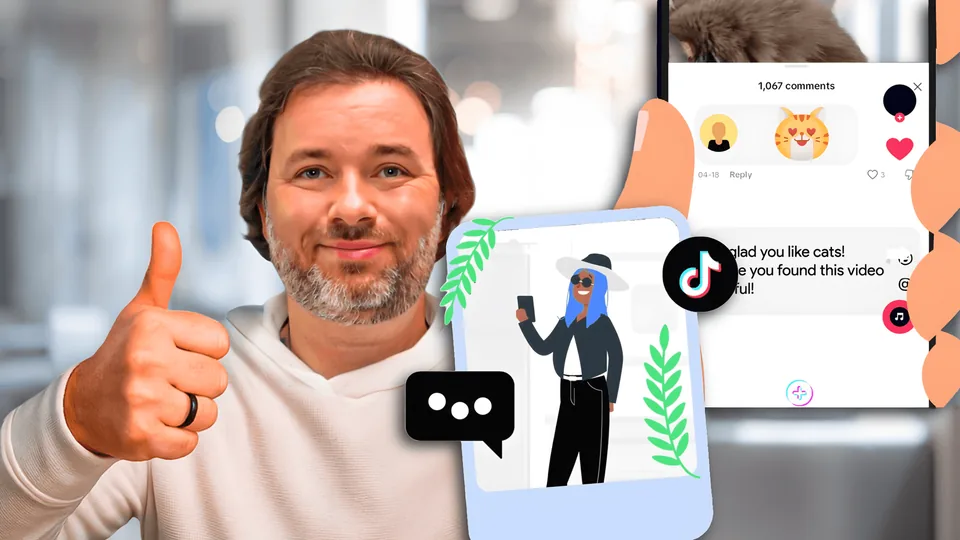
Short answer: Absolutely.
TikTok might be a video-first platform, but words play a surprisingly powerful role in getting your content discovered—and engaged with.
From captions to voiceovers, hashtags to comments, TikTok’s algorithm uses language cues to figure out who your video is for. So if you're ignoring keywords, you're missing out.
Let’s break down how the right words can boost your TikTok engagement:
📝 Captions
TikTok uses captions to categorize your video content and recommend it to the right viewers. Tools like TikTok's Keyword Insights show that certain keywords (like “easy,” “quick,” or “beginner”) consistently rank high in performance metrics like impressions and CTR.
Tip: Include 1–2 primary keywords in your caption. For example, instead of “just made this 😍”, try “easy 10-minute pasta recipe 😍”
#️⃣ Hashtags
Hashtags are searchable keywords that help TikTok understand both topic and audience intent.
- Use broad hashtags like
#TikTokMadeMeTryItor#LifeHacksfor reach. - Mix in niche-specific hashtags like
#budgetmealsforfamiliesor#curlyhairroutineto attract targeted viewers.
Pro tip: Don’t overuse them—3 to 5 well-chosen hashtags outperform stuffed lists of irrelevant ones.
🗣️ Text on Screen & Voiceovers
TikTok uses text recognition and voice-to-text transcription to understand your video’s subject.
That means:
- Text overlays should include key phrases related to your content.
- Voiceovers that mention relevant terms help TikTok categorize and serve your content to matching search queries.
Example: If your video is about outfit ideas, saying “how to style wide-leg jeans” aloud (or putting it in text) can make it more discoverable to users searching that exact phrase.
🔍 TikTok SEO
TikTok has officially become a search engine—especially among Gen Z. Searches like “what to wear to a wedding,” “easy healthy snacks,” or “how to make iced coffee” are increasingly popular.
Start thinking like a content creator and a search engine optimizer:
- Use TikTok’s search bar to research phrases your audience is using.
- Try tools like KeywordTool.io or TikTok’s Creative Center to track trending terms.
- Position your content around searchable how-tos, tips, and product mentions.
💬 Comments
Yes, even comments matter. TikTok picks up on recurring themes in comment sections.
Encourage keyword-rich comments by adding prompts like:
- “Which one would you try first?”
- “Tag someone who needs this recipe!”
- “What’s your go-to morning skincare product?”
This creates natural keyword variation in your post's engagement—giving TikTok even more signals to boost your content. Make sure to also reply to your comments with actual words, not only emojis!
What you say, write, and display on TikTok isn’t just filler, it’s fuel for visibility.
Strategic keyword placement in captions, hashtags, onscreen text, voiceovers, and comments helps TikTok match your content to the right people at the right time.
So yes, what you write absolutely affects your engagement.
Next time you hit “post,” ask yourself: What would someone search to find this video? Then put that in your caption, overlay, or voiceover.
Keep reading: Why was my video declined? · Creator pay by country · Are apps that pay you to post legit?
Put a sound in front of 3M+ creators
Artists, labels and brands launch a TikTok, Instagram Reels or YouTube Shorts campaign in minutes. Creators get paid for each approved video, based on the views it gets in its first 72 hours.
Keep reading
All posts → CapCut Data Use & AI Concerns: Safer Alternatives for CreatorsCapCut’s new terms give ByteDance broad rights to use your content and likeness, including for ads and AI training—raising red flags for many creators. If you’re not comfortable with that, here are top alternatives
 How to Leverage TikTok Trends to Boost Your Brand EngagementHow to Leverage TikTok Trends to Boost Your Brand Engagement
 YouTube Shorts Is Chasing TikTok with Tighter Beat-Sync ToolsA multi-track timeline, drag-and-drop trimming/reordering, zoom for fine control, and auto music sync push Shorts closer to TikTok’s in-app editing feel—while keeping YouTube’s distribution advantages.