Blog Updated 2 min read
How To Use Sound.me App
Learn how to navigate the Sound.me app to create, share, and monetize content. Tips for TikTok, Instagram Reels and YouTube Shorts creators to grow their audience and earnings.
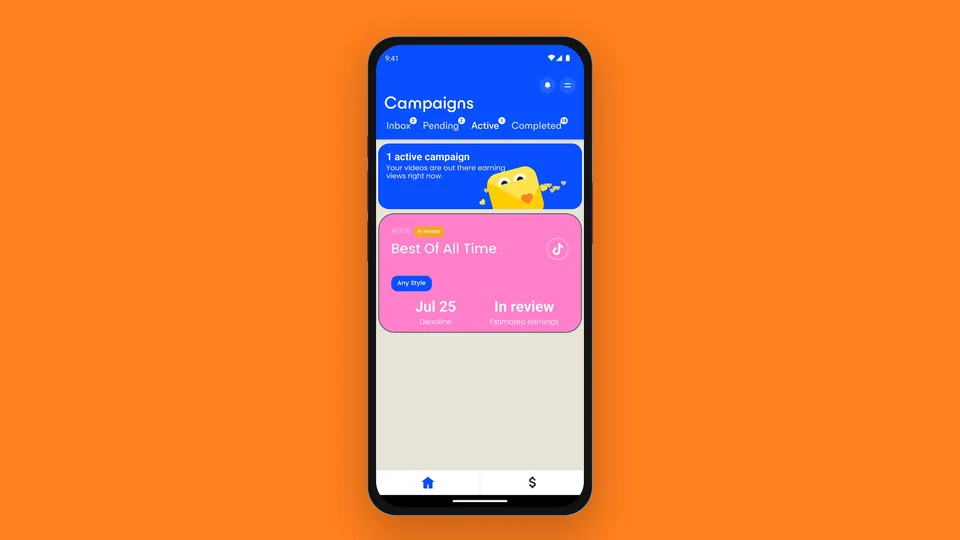
This app has 3M+ registered creators and allows you to quickly start making money online! With Sound.me, creators in 61 countries can apply to daily paid campaigns and get paid for each approved video based on the verified views and engagement it gets in its first 72 hours. Download the new earning app today and start earning! Apply for daily campaigns and start your content creation journey today!💰 Becoming a paid TikTok influencer and making money online has never been easier! 🚀
How to use the Sound.me app, step by step
- Download the app. Search for “Sound.me” on the App Store or Google Play and install it. It’s free; you need to be 18 or older.
- Connect your accounts. Connect your TikTok, Instagram or YouTube account; you see campaigns for each platform you connect. Allowing location access helps the app show you the campaigns for your country.
- Pick a campaign. New campaigns land in your Inbox. Each one shows the sound (tap play to hear it), the directions, such as lip sync, dance or creative freedom, and what you can earn. Read the instructions before you apply.
- Apply. Some campaigns let you join straight away; others need approval first. Campaigns you applied to wait under Pending until you hear back.
- Post and submit. Make your video following the directions and post it on your own account. Then submit it in the app: pick it from your videos or paste its link.
- Get paid. The team checks every video for the right sound and the directions. Each approved video is paid based on the verified views and engagement it gets in its first 72 hours; keep it up for at least 60 days. Cash out from the Profile tab via PayPal or Venmo from a $5 balance, or via Stripe, Cash App or ACH from $20 (see creator payouts).
- Invite friends. In Profile, tap “Invite friends” to share your code. You earn 10% of what each creator you invite earns from campaigns in their first year, then 2% for as long as they keep posting.
Watch the step-by-step guide
The video walks through the app screen by screen. It is from July 2025, so some screens and payout options have changed since.
 Plays from YouTube; YouTube may set cookies.
Keep reading: Why was my video declined? · Creator pay by country · Are apps that pay you to post legit?
Keep reading
All posts →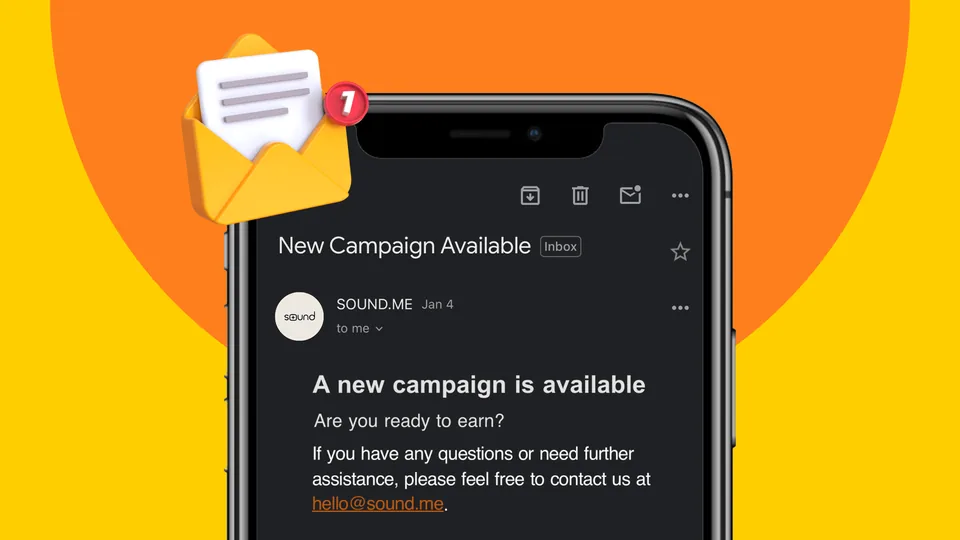 Sound.me Campaign Emails but No Campaigns in the App? Here’s Why and How to Fix ItCampaigns are first come, first served: why one can be full by the time you open the app, and how to catch the next one.
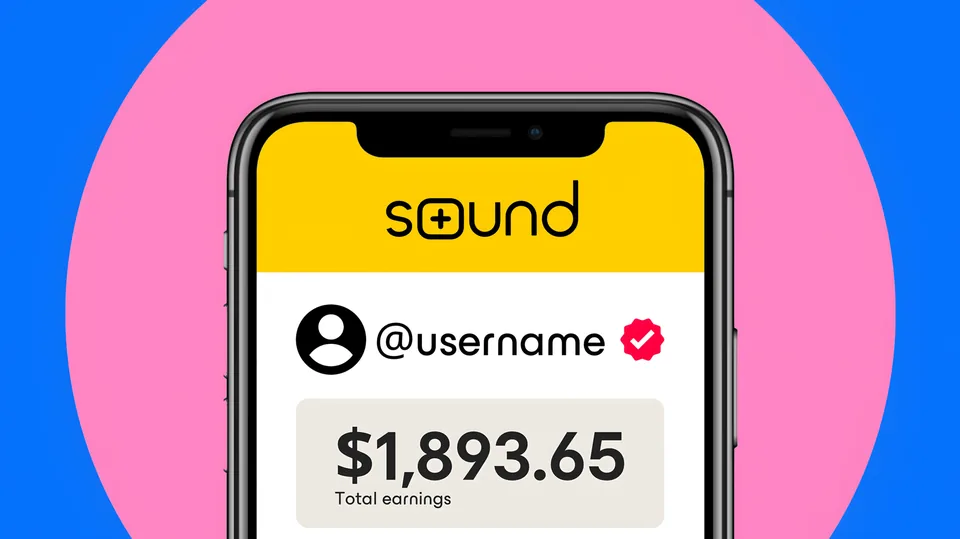 How to Get Verified on Sound.me: A Comprehensive GuideWhat the verified badge on Sound.me means, how profiles are checked, and ten tips to get verified.
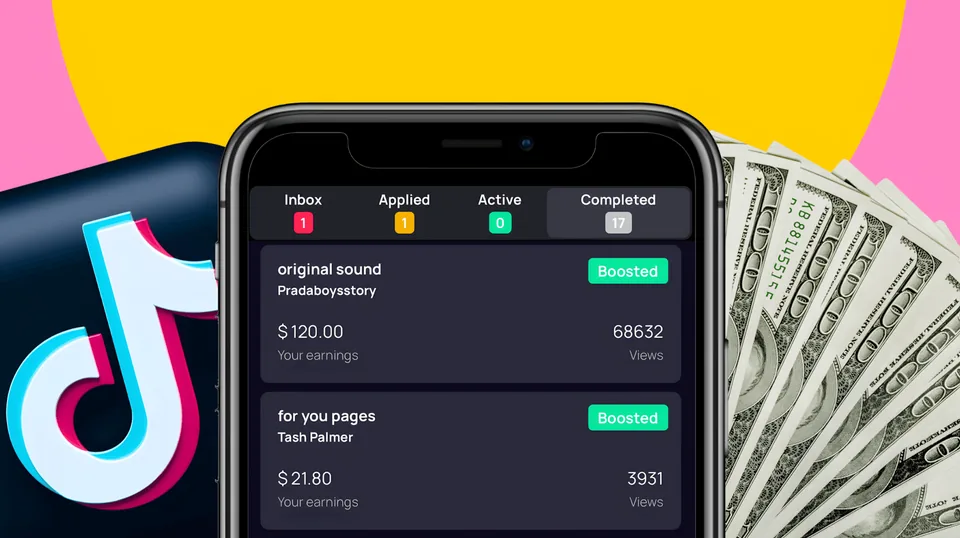 6 Proven Tips to Increase Your Earnings on Sound.meSix ways to get more campaign approvals on Sound.me, from following the directions to keeping location on and VPNs off.